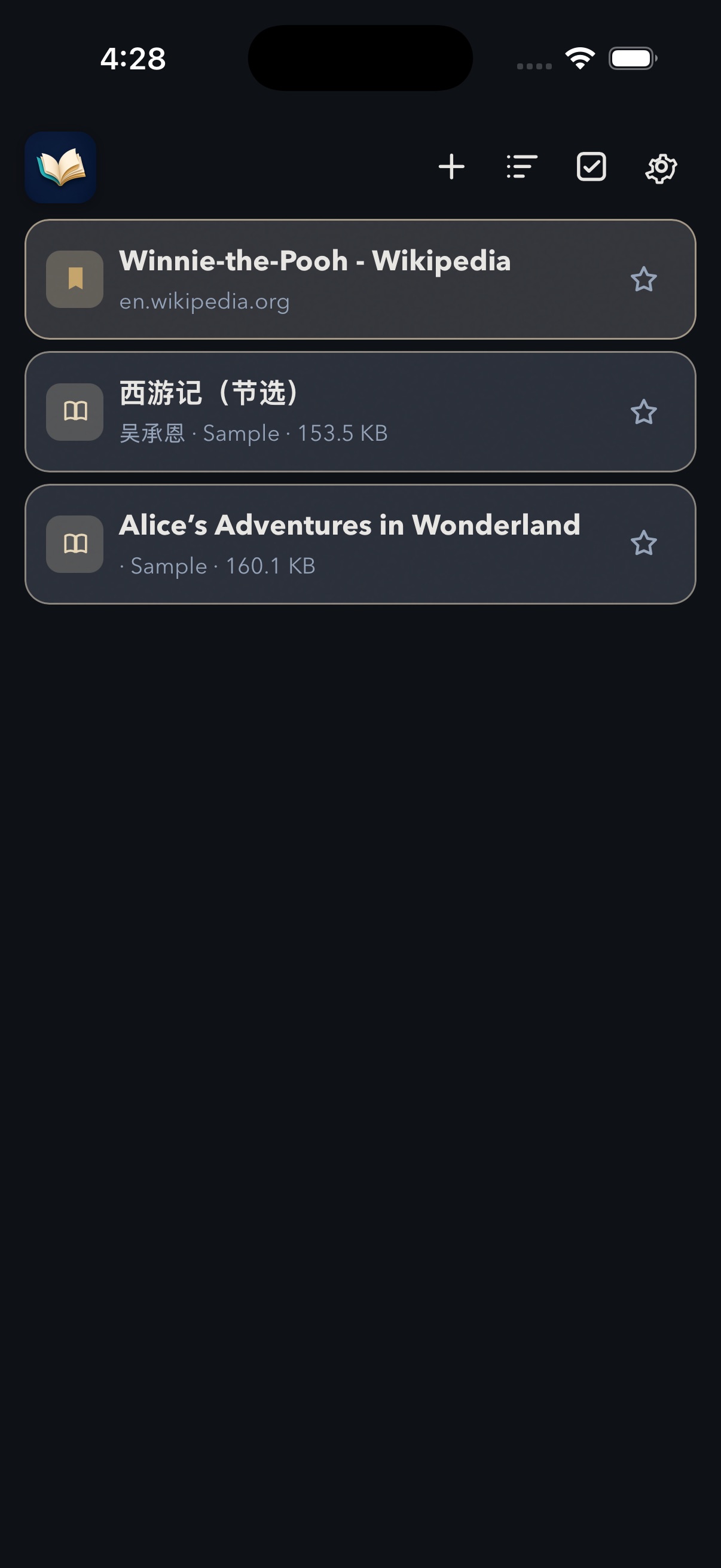
Open a book or a page
Add TXT, EPUB, PDF, or ZIP from your phone, or open a webpage by its address.

Brio · Books and web pages
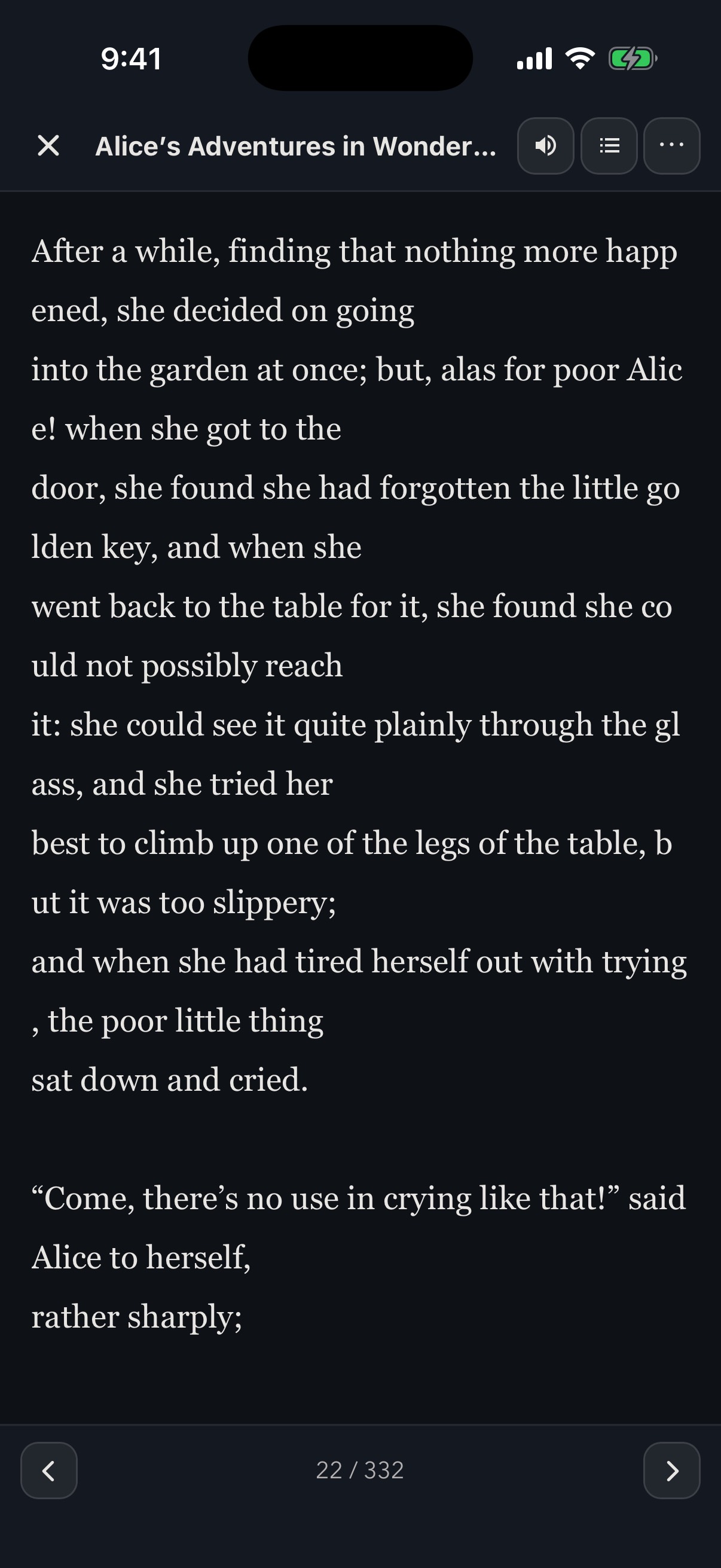
Brio turns the books already on your phone into a focused, comfortable reading experience. Those books stay on the device. Open a webpage and hear it read aloud, with the ads hidden and the text fitted to the screen. Save the page, and it stays on the phone too. There is no account, catalog, or cloud library.
Designed for reading
From the moment a book reaches your shelf, Brio keeps the experience simple, capable, and private. A webpage can be heard aloud, cleared of ads, and sized so the article is easy to read.
Add TXT, EPUB, PDF, or ZIP from your phone, or open a webpage by its address.
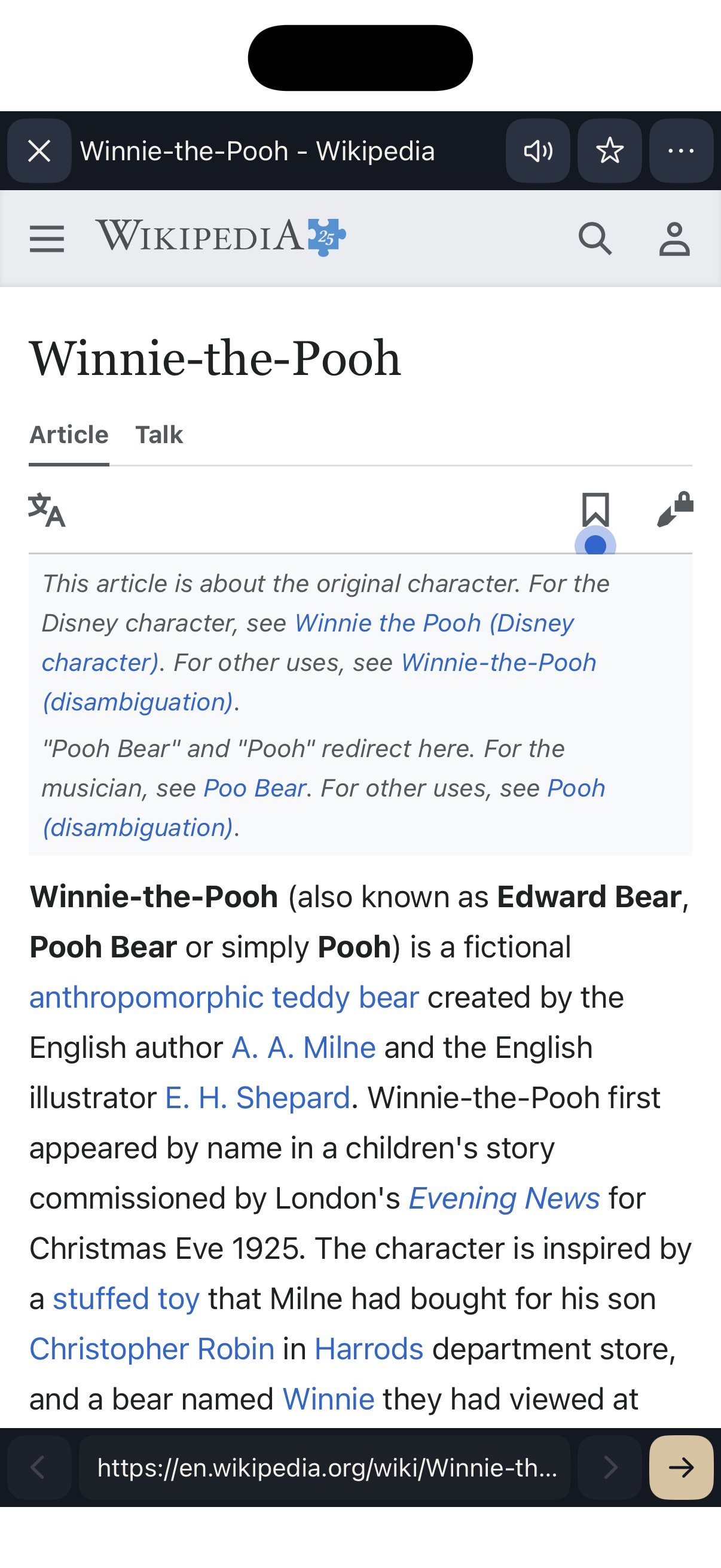
Turn pages and move by chapter in a book. On a webpage, hide ads and fit the text to the screen.
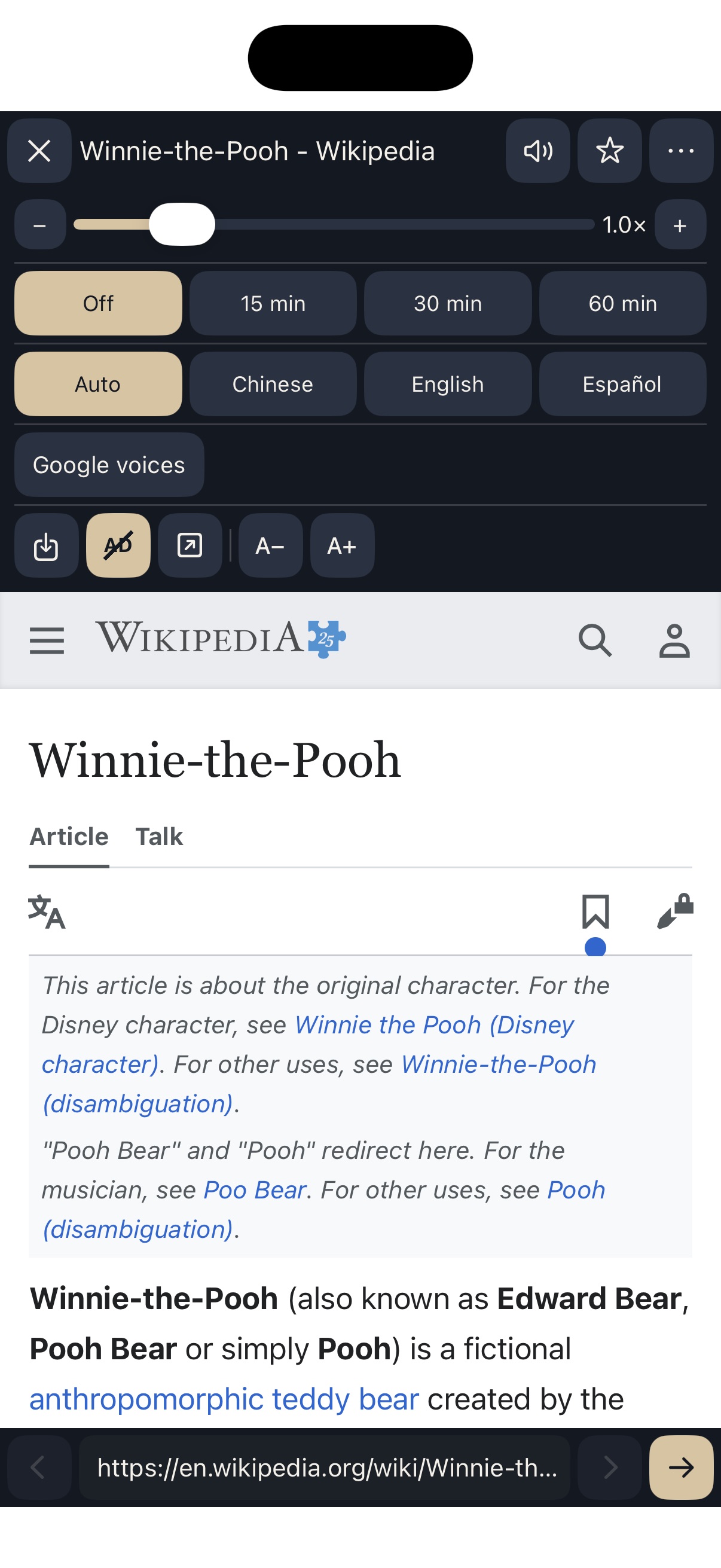
Listen with the voices on your device. Change the speed while a page is speaking, and set a sleep timer.
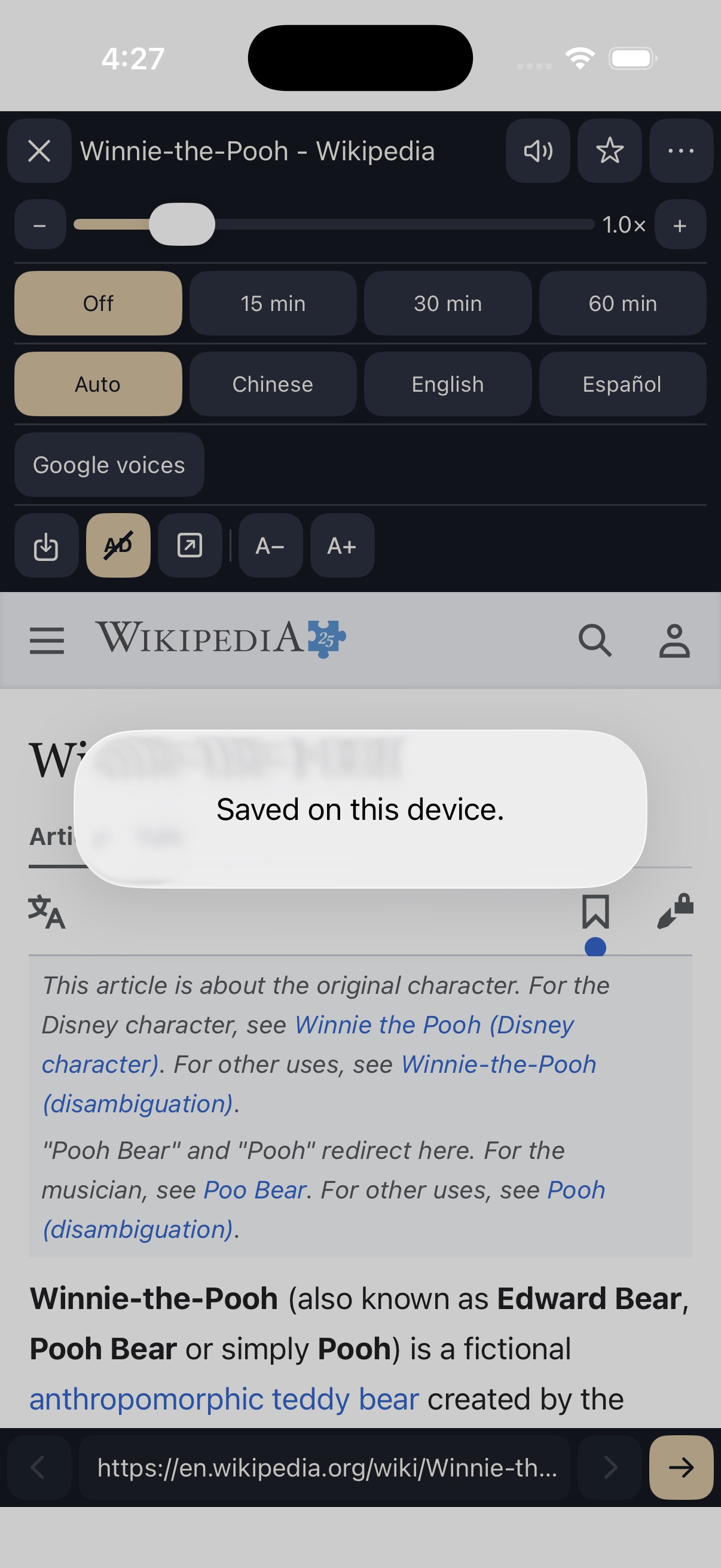
No login, upload, or cloud library. Books stay on the device. A saved webpage keeps the article text here too.
English, Spanish, Simplified Chinese, and Traditional Chinese. Choose the speaking language for a webpage.
The 30-day trial includes books and web pages. A one-time store unlock keeps the same reader.
PDF and EPUB are presented as clean extracted text. Password-protected and DRM files are not opened; OCR is not included.
Web pages
Open a webpage, listen at the speed you choose, hide ads, fit the text to the screen, and save the page on the device so you can open it later.
A closer look